The demo lab · 4 quick how-tos Get it right the first time.
Short, no-fluff demos for every step of a video brochure: design your artwork, set up foil and spot UV, format your video, and load it onto the player. Follow them in order, or jump to the one you need.
- 01 Design →
- 02 Finishes →
- 03 Format →
- 04 Load
 01Design · 4 steps · 7 min video
How to use design templates
Download the right template, design on the ARTWORK layer and send a print-ready PDF.
Open demo → 02Finishes · 3 steps · 2 min video
How to set up foil + spot UV
One finish per layer, solid 100% black, one PDF per layer. Same for emboss and deboss.
Open demo →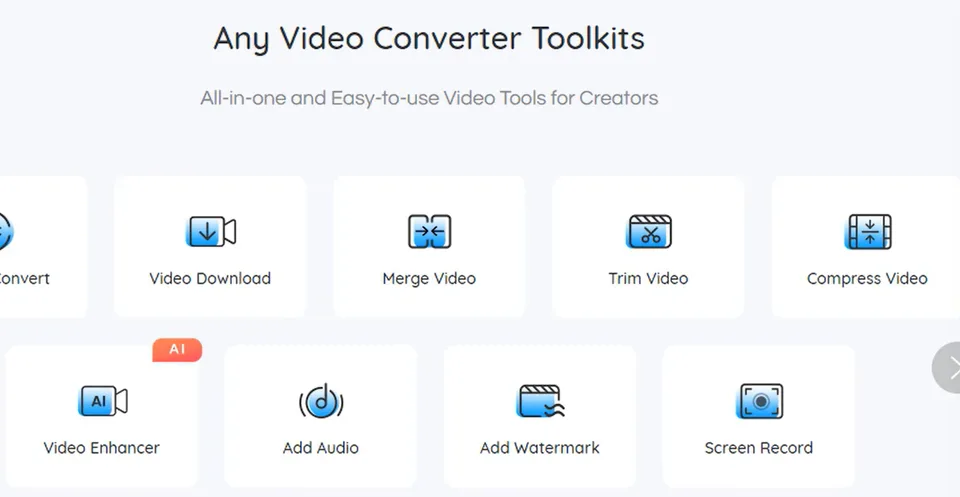 03Format · 3 rules · Video demo
How to format your videos
MP4, the exact pixel size for your screen, under 210 MB. Check your file right here.
Open demo →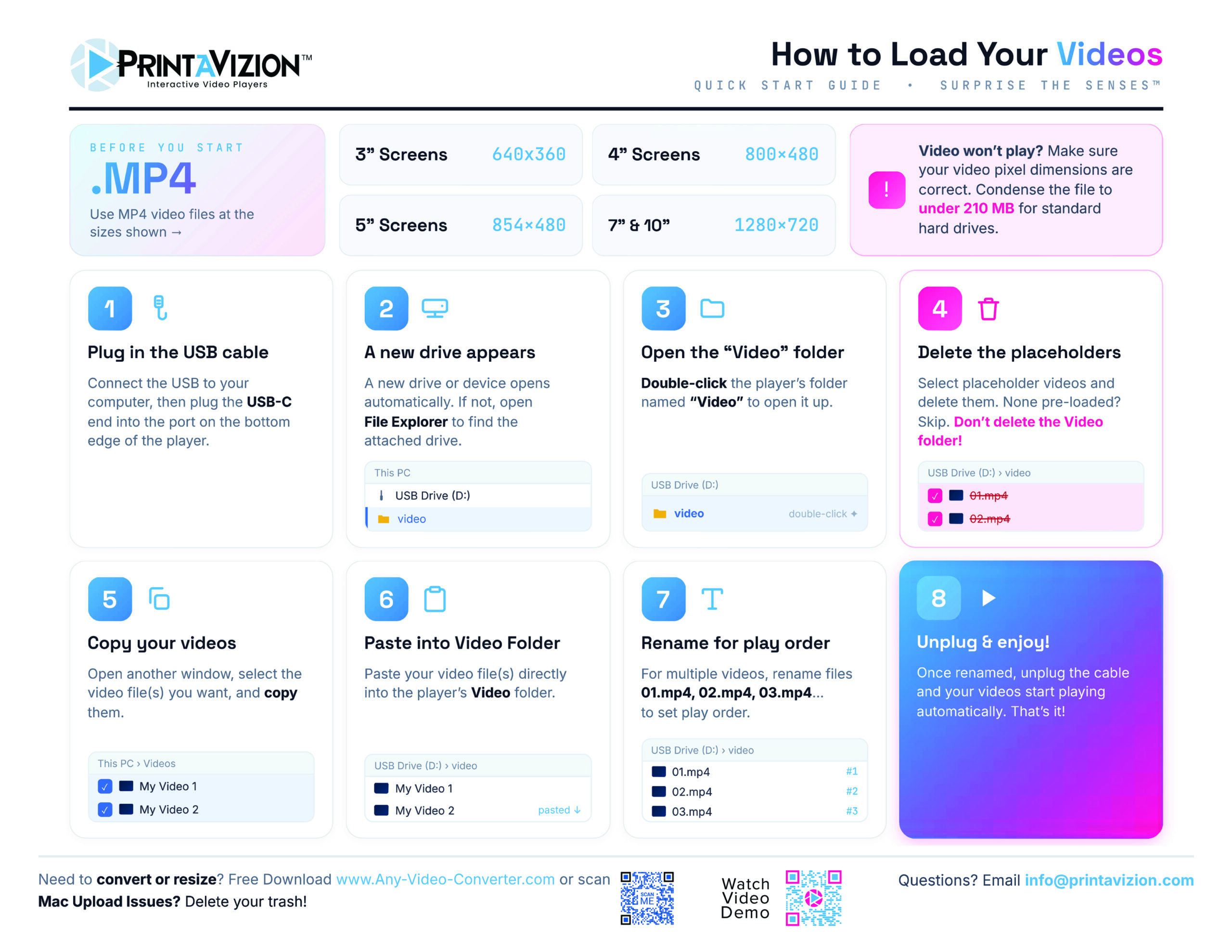 04Load · 8 steps · About 2 minutes
How to load your videos
Plug in, open the Video folder, swap the files, name them 01, 02, 03. Done in 2 minutes.
Open demo →Cheat sheet
The numbers that matter.
Video brochures play MP4 files at the screen's exact pixel size, under 210 MB, loaded over USB into the folder named Video. Artwork goes on the template's ARTWORK layer, and foil or spot UV goes on its own layer as solid 100% black.
- 3″
- 640×360Video business cards
- 5″
- 1024×600Prime brochures + boxes
- 7″
- 1280×720Elite brochures + boxes
- 10″
- 1280×720Prestige brochures + boxes
Prefer paper? Download the loading quick-start guide (PDF).
How do I load a video onto a video brochure?
Plug the player into your computer with the USB cable, open the folder named Video, delete the placeholders, paste in your MP4 files, rename them 01.mp4, 02.mp4 for play order, and unplug.
What size should my video be?
MP4 at your screen size: 640×360 for 3″, 1024×600 for 5″, and 1280×720 for 7″ and 10″ screens, under 210 MB.
How do I use the design templates?
Open the free PDF template in Adobe, design on the ARTWORK layer inside the guides, outline fonts, embed images and save a high-quality PDF.
How do I set up foil or spot UV?
Put each finish on its own layer as a solid 100% black shape, then save one PDF per layer with the layer name in the file name.
Will PrintAVizion load the video for me?
Yes. On custom orders we load, charge and test every piece before it ships. These demos are for blank players and for updating a video later.
Rather we handle it?
We can do it for you.
On custom orders we load, charge and test every piece. Our team can design it for $350 and make the video too.